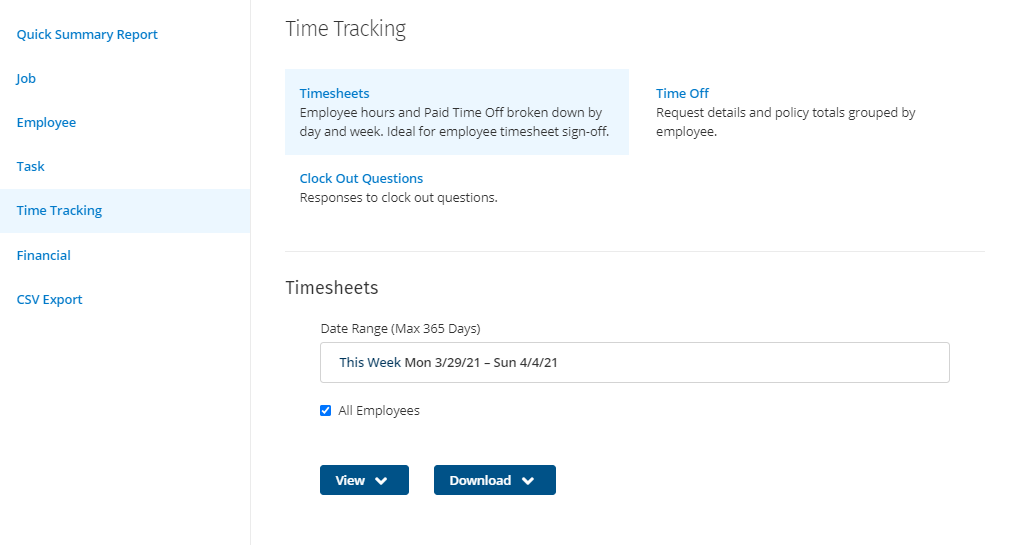
Reports in ClockShark help you to access your time data, filtered and grouped in different ways to gain an insight into your business. You can also view and download reports as PDFs or export them as an Excel-compatible CSV file.
View reports
To view reports, click Reports in the top menu in ClockShark.
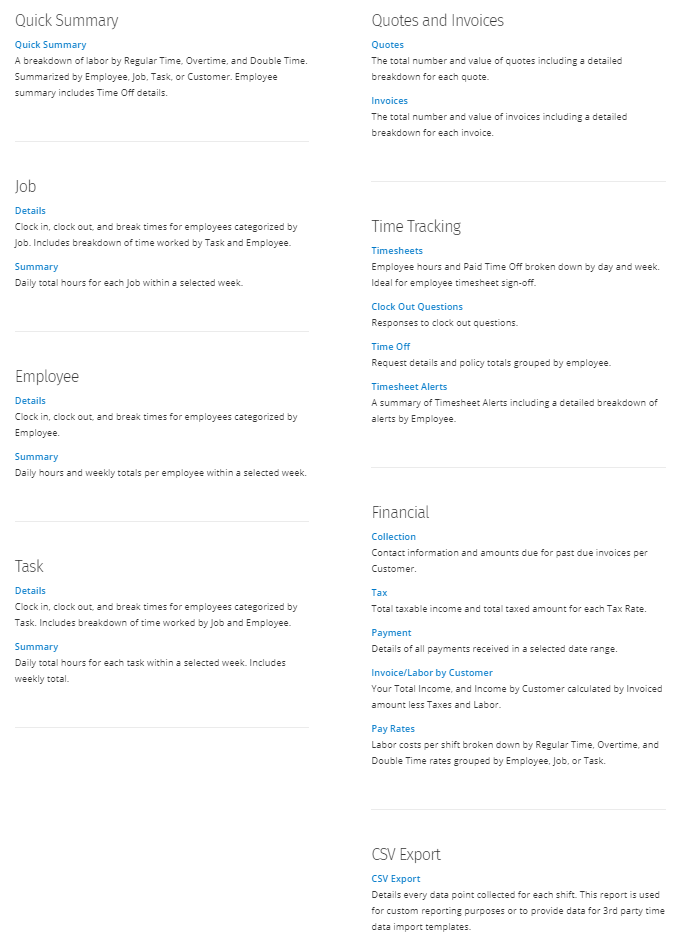
The following reports are available:
| Quick Summary | A breakdown of labor by regular time, overtime and double time. The report can be summarized by employee, job, task, or customer. The employee summary includes Time Off details. |
| Job Details | Clock in, clock out, and break times for employees, categorized by job. The report includes a breakdown of time worked by task and employee. |
| Job Summary | Daily total hours of each job within a selected week. |
| Employee Details | Clock in, clock out, and break times for employees categorized by employee. |
| Employee Summary | Daily hours and weekly totals per employee within a selected week. |
| Task Details | Clock in, clock out, and break times for employees categorized by task. The report includes a breakdown of time worked by job and employee. |
| Task Summary | Daily total hours and weekly total for each task within a selected week. |
| Quotes | The total number and value of quotes including a detailed breakdown of each quote. |
| Invoices | The total number and value of invoices including a detailed breakdown for each invoice. |
| Timesheets | Employee hours and paid time off, broken down by day and week. Ideal for employee timesheet sign-off. |
| Clock Out Questions | Responses to clock out questions. |
| Time Off | Request details and policy totals grouped by employee. |
| Timesheet Alerts | A summary of timesheet alerts, including a detailed breakdown of alerts by employee. |
| Collection | Contact information and amounts due for past due invoices per customer. |
| Tax | Total taxable income and total taxed amount for each Tax Rate. |
| Payment | Details of all payments received in a selected date range. |
| Invoice/Labor by Customer | Your total income and income by customer calculated by invoiced amount less taxes and labor. |
| Pay Rates | Labor costs per shift broken down by regular time, over time and double time rates, grouped by employee, job or task. |
| CSV Export | Details every data point collected for each shift. This report is used for custom reporting purposes or to provide data for 3rd party time data import templates. |
After you’ve selected a report, you can easily switch to a different report by selecting from the other reports in the same section at the top.
Export reports
Each report has several options for exporting data.
- View > PDF Portrait to view the results as a PDF file in your browser.
- View > PDF Landscape to view the results as a landscape PDF file in your browser.
- Download > PDF Portrait to download a portrait PDF file to your computer
- Download > PDF Landscape to download a landscape PDF file to your computer
- Download > CSV to download a CSV file to your computer.