![ClockShark_Logo_Wordmark_White__noTagline-Help_Desk-1.png]](https://help.clockshark.com/hs-fs/hubfs/ClockShark_Logo_Wordmark_White__noTagline-Help_Desk-1.png?height=40&name=ClockShark_Logo_Wordmark_White__noTagline-Help_Desk-1.png)
From the ClockShark Website
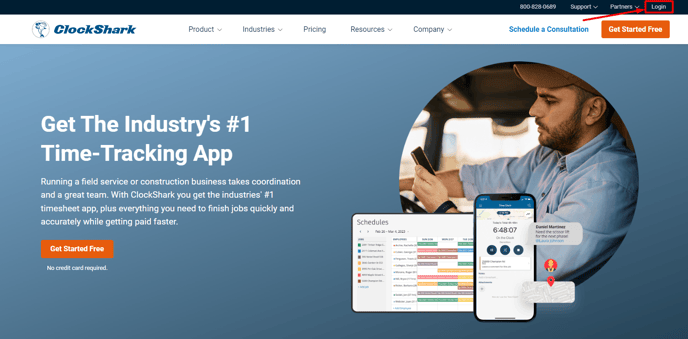
- Go to www.clockshark.com
- Click Login.
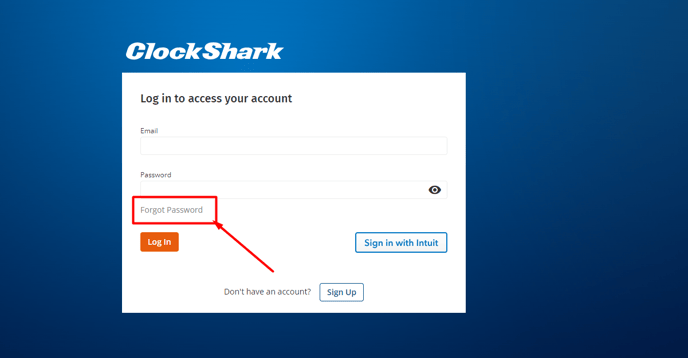
- Click Forgot Password.
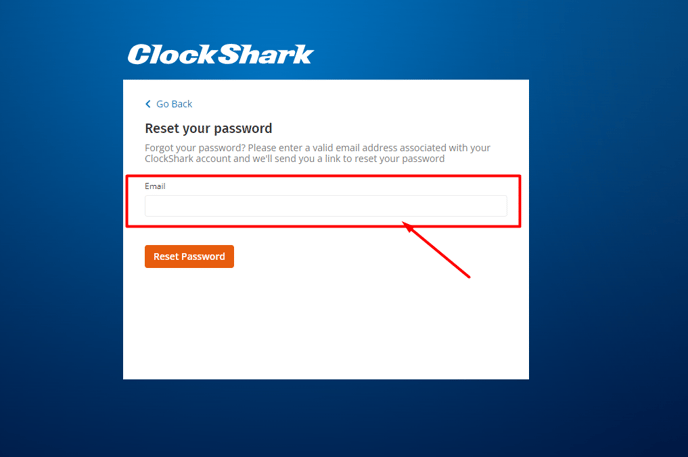
- Enter your Email address and then click Reset Password. Your ClockShark account must be active to receive the reset email.
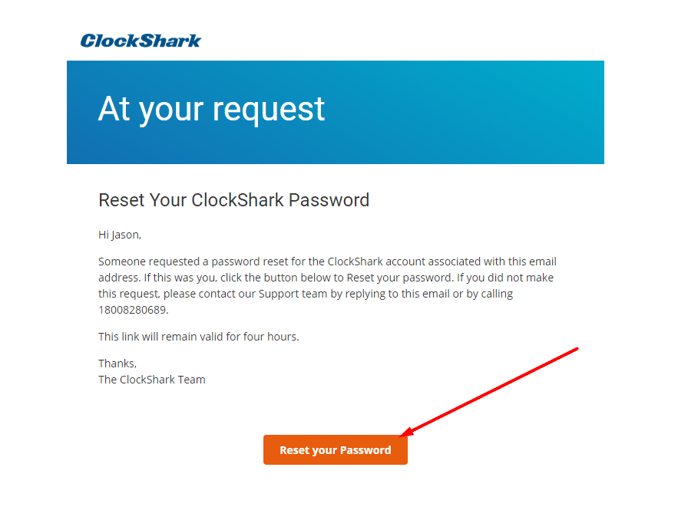
- You will then receive an email. Click Reset your Password.
- Enter your new password and click Reset Password.
Your password must be at least 8 characters long, including one number, one letter, one symbol and no spaces.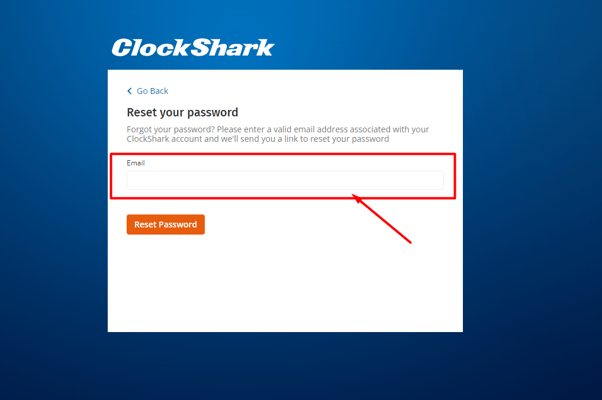
- Now you can log in with your updated password.
From the Mobile App
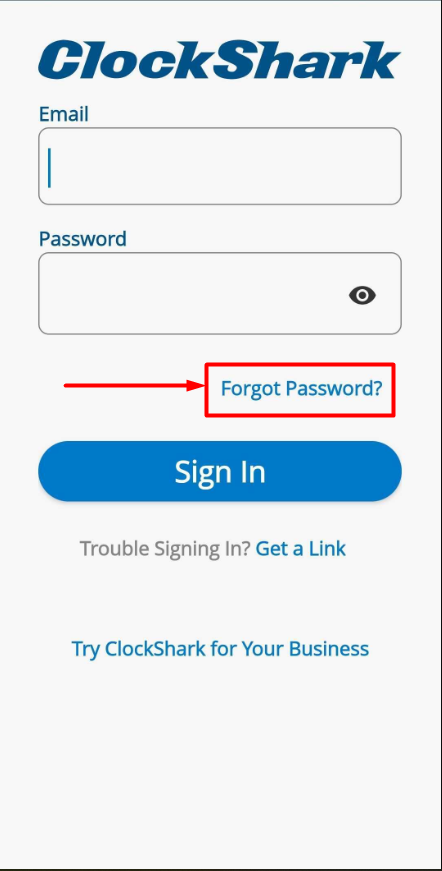
- Open the ClockShark app and tap Forgot Password.
- You will be redirected to the ClockShark website.
- Follow steps 4-7 from the above section.