
With the Xero integration, you can export time from ClockShark to Xero, saving time on manual data entry.
Learn about setting up the integration in How to Set Up the Xero Integration.
Export time
After setting up the integration and mapping employees, you can export time from ClockShark to Xero.
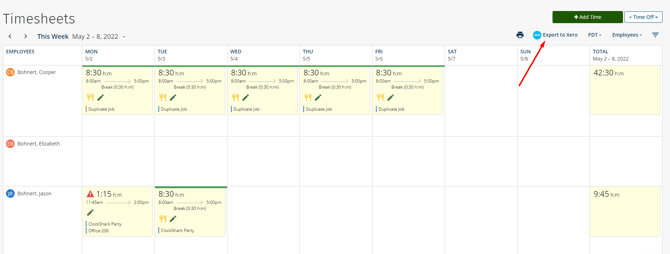
To export time:
- Go to Time > View.
- Click Export to Xero in the top right.
- Select a Date Range.
- The number of activities being exported is displayed below for you to review.
- If any employees in this date range are not mapped, you will need to map them before exporting.
- Click Export > Ok.